FlowTube - Youtube to Audio
A downloadable FlowTube for Windows
FlowTube
... tag, trim, embed cover art and download audio from YouTube.
Trailer: https://vimeo.com/1149476776?share=copy&fl=sv&fe=ci
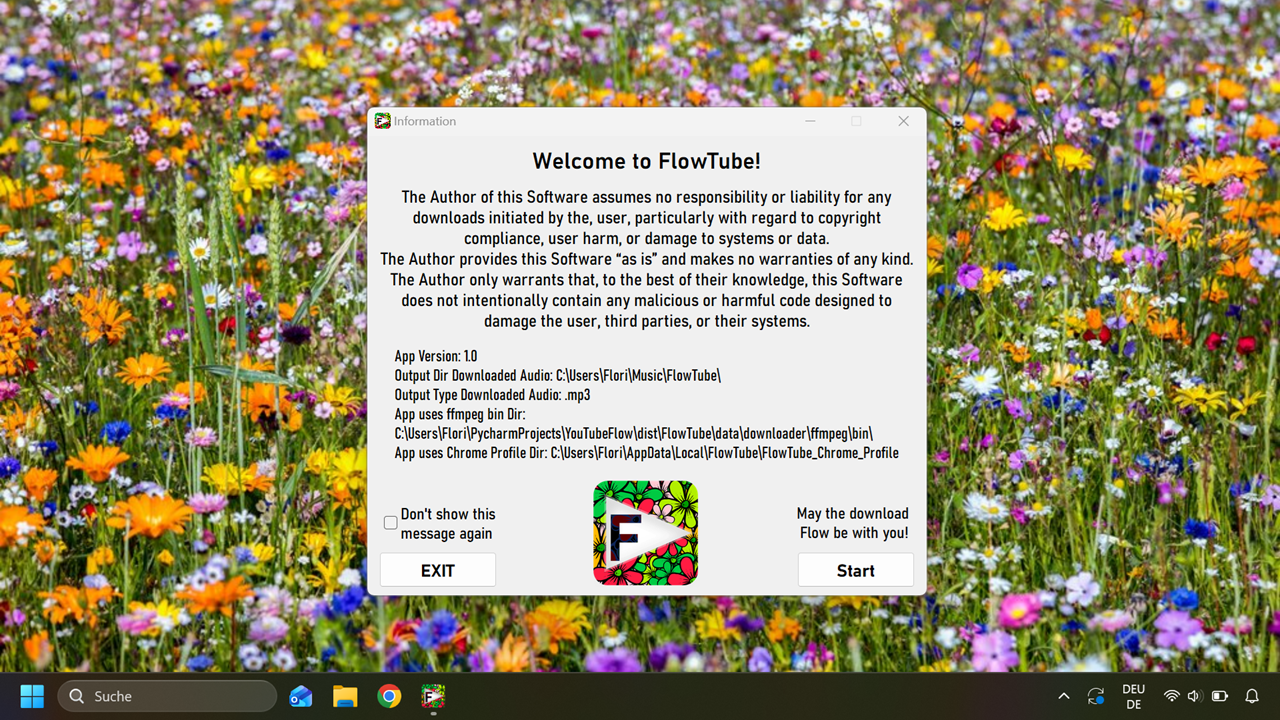
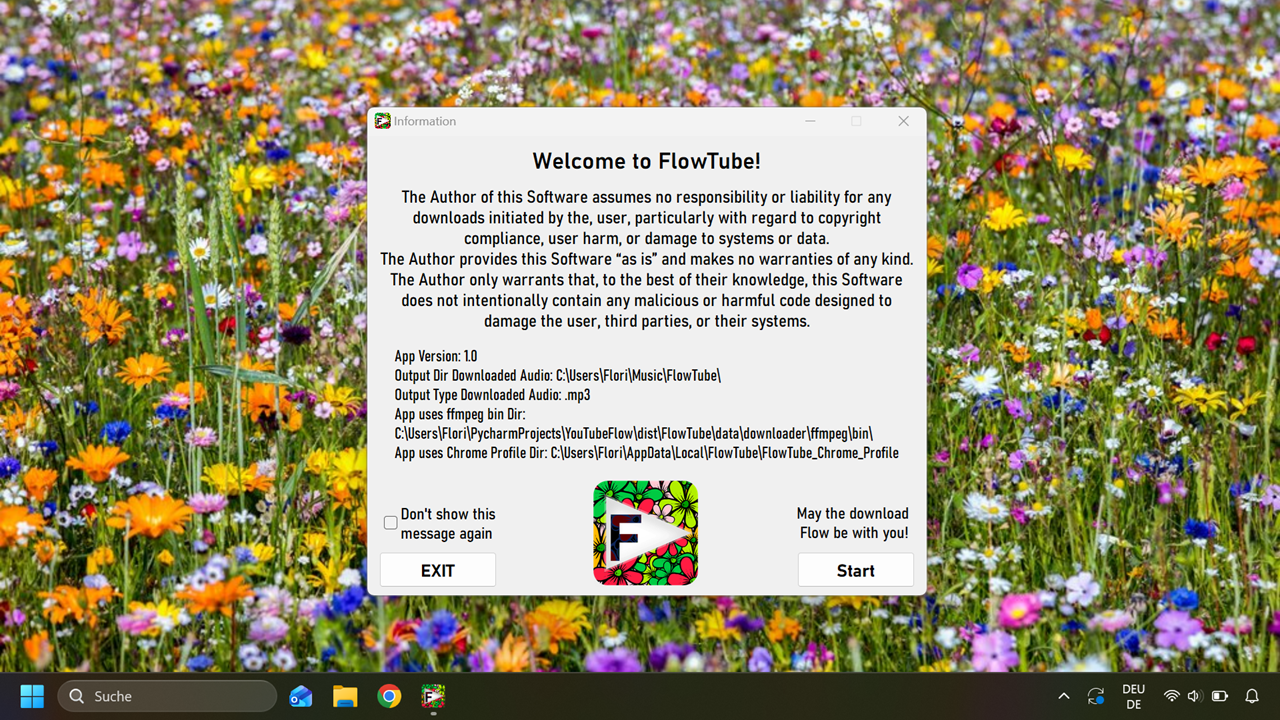
FlowTube is a FREEWARE application that helps users browse YouTube using a controlled browser, detect and extract metadata from videos they click on, and convert the audio into cutted, properly tagged and artworked audio files. FlowTube does not automate YouTube navigation. The user browses manually, and FlowTube only reacts when the user opens a YouTube video.
Platform: Windows
1. Browser Interaction
FlowTube launches a controlled Chrome browser window and opens YouTube.
The user browses freely and is fully self responsible by this.
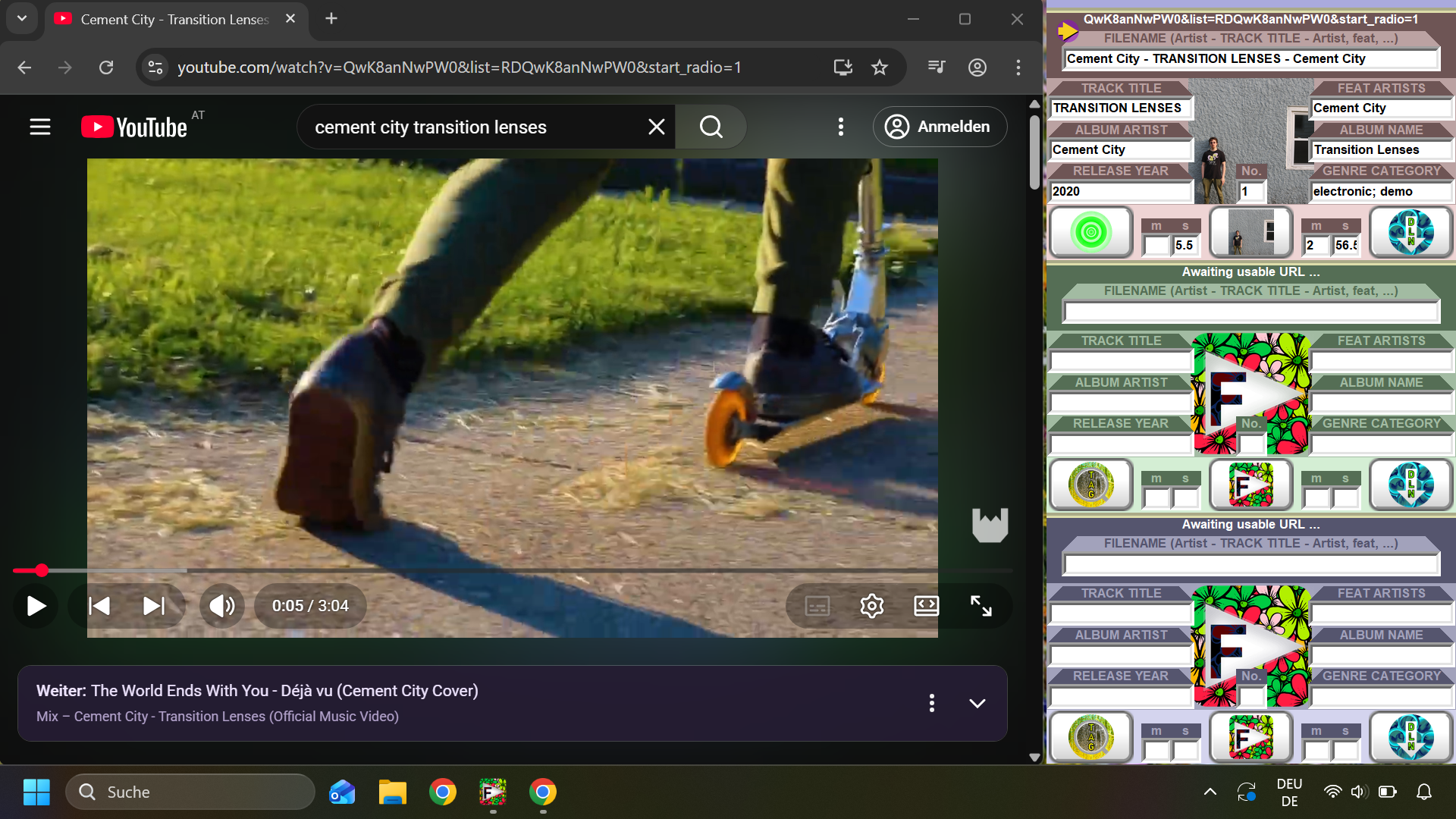
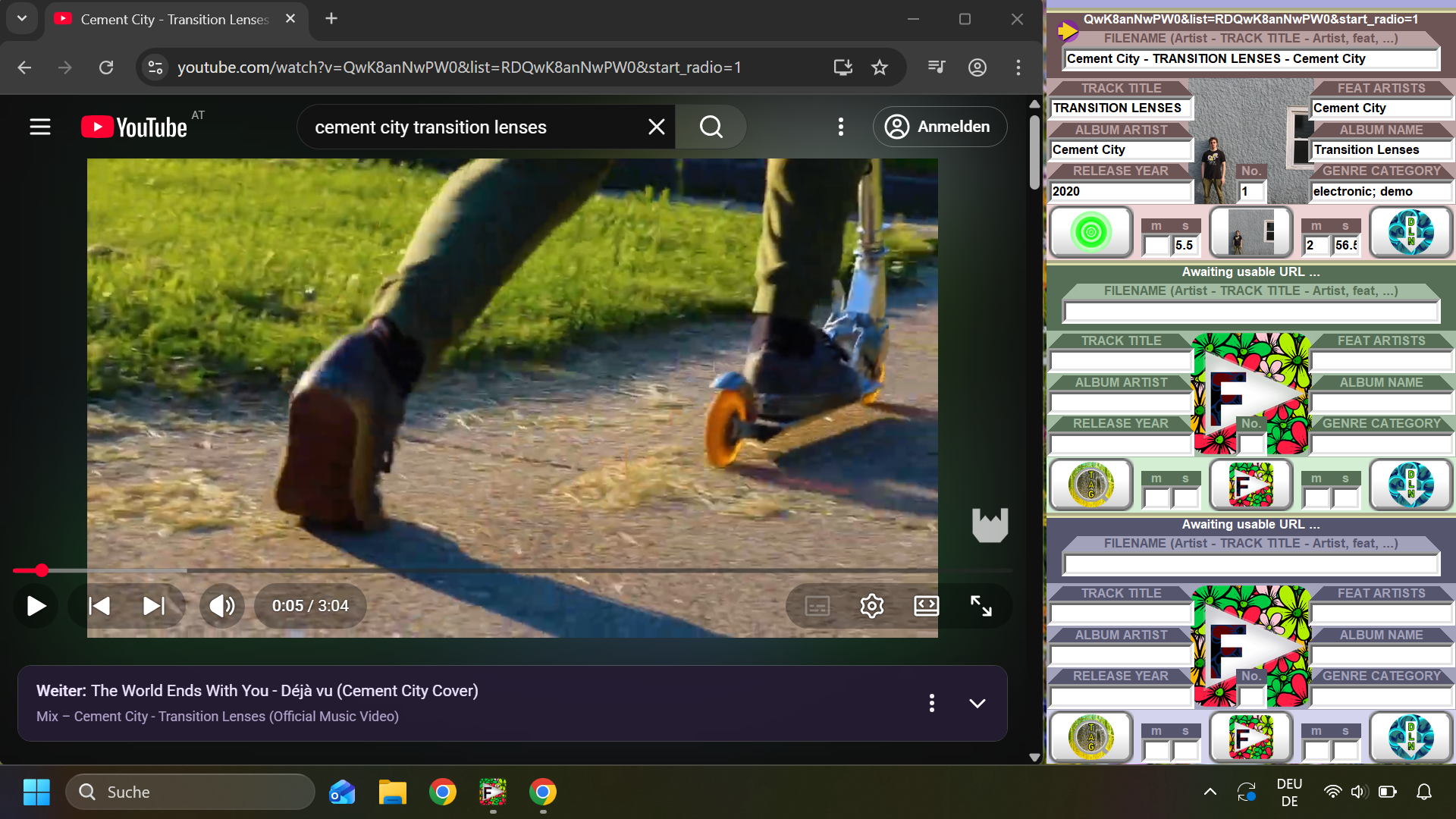
When a YouTube video is opened, FlowTube:
-) detects the video URL, reads title, channel name, and Artist name
-) merges title, channel name, and artist Name to a search Argument
-) displays the search Argument, in the FlowTube interface
-) starts to search for additional metadata and cover art
FlowTube optionally looks up additional metadata such as album, track, or cover art.
Only artwork that is legally redistributable (e.g. Creative Commons) is used.
If no suitable artwork is found, FlowTube generates a placeholder cover image
locally.
2. FlowTube - Preparation, Download & Processing
FlowTube mainly consits of 3 Download Slots and an uppermost button area.
In the uppermost button area, the Blue Button:
-) Opens Windows Media Player and plays FlowTube's download history.
Each Download Slot has the following elements:
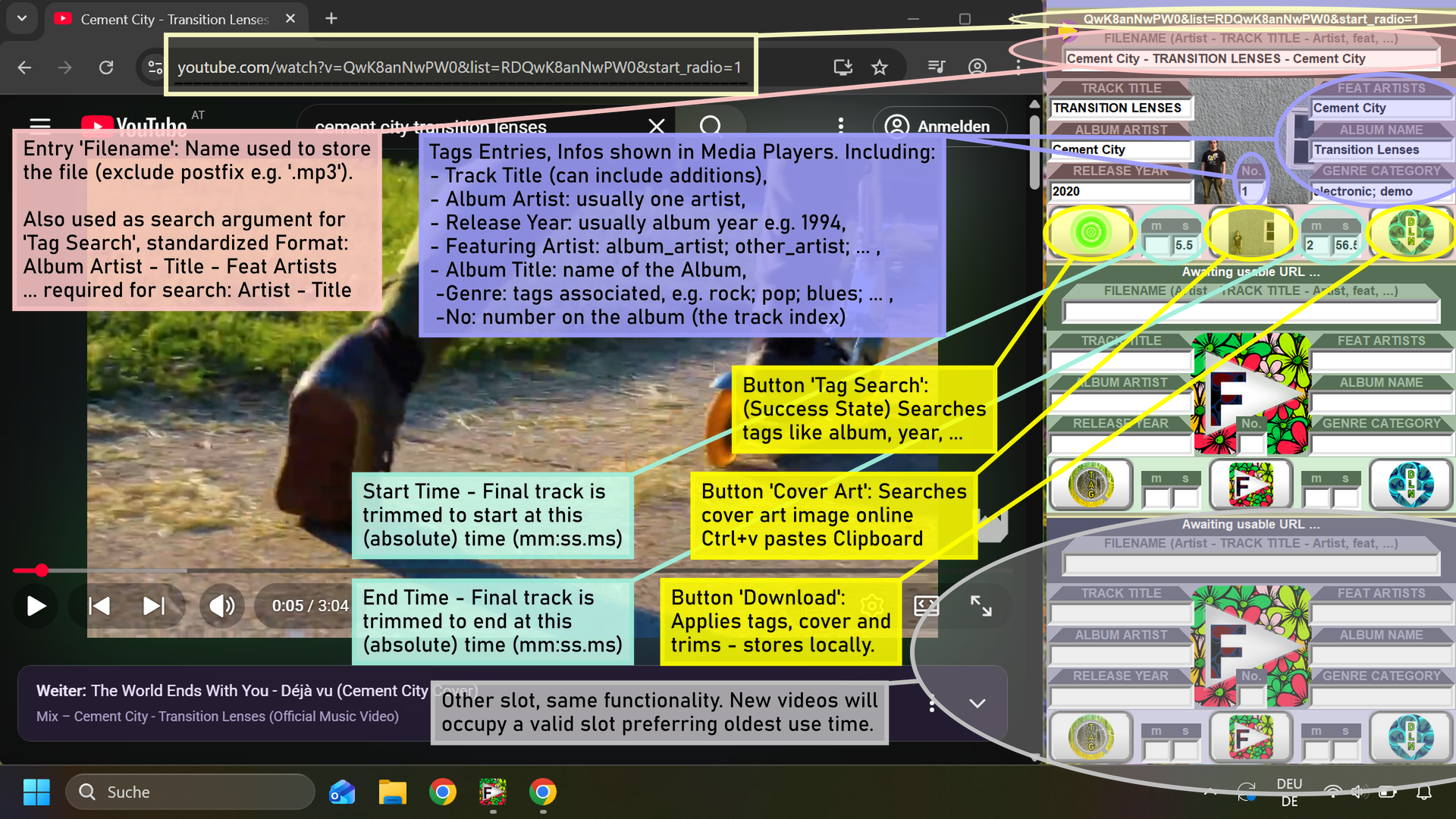
+ Filename Entry:
-) Name of result file, standard format "Artist - TITLE - Artist, feat,"
-) Search Argument for the Metadata Search (Search Button)
+ Metadata Entries (Track Title, Album Artist, ...):
-) tags for resulting audio, usually automatically received by search
-) Entry 'No.' is the track index number on the Album, single integer
+ Time Entries (m, s):
supports millisecons, final track is cut from start to end time
-) left (west side) entries m and s are used as start time for the resulting audio
-) rigth (east side) entries m and s are used as end time for the resulting audio
+ Search Buttons (available if no search is pending):
On user click, FlowTube finds metadata for a search argument (Filename)
FlowTube then:
-) blocks (wait Status shown) Button Search, Image and Download
-) searches free databases online for the best matching results
-) if no data is found, the search argument is used as fallback
-) enters received data standardized into the Metadata Entries
+ Image Buttons (available if no image search is pending):
On user click, FlowTube finds cover art for Title, Album and Artist
FlowTube then:
-) blocks (wait Status shown) Button Image and Download
-) searches free databases online for the best matching Image
-) if a 'free' License Image is found, License & Image are downloaded
-) if no Image found, generates a placeholder cover Image locally
-) displays a thumbnail onto the Image Button in Flowtube interface
On Ctrl + v, while app window selected, FlowTube reads ClipBoard
FlowTube then:
-) blocks (wait Status shown) Button Image and Download
-) if valid, saves the Image from clipbord locally
-) displays a thumbnail onto the Image Button in Flowtube interface
-) The Image is later used for the cover art, if
+ Download Buttons (available if download is possible):
On user click, FlowTube retrieves audio using an external Downloader.
Important: The user is responsible for ensuring the download is legal!
FlowTube then:
-) checks app_config.ini for the audio output type
-) converts audio using the internal FFmpeg build
-) performs optional trimming
-) embeds ID3 tags (title, artist, album)
-) embeds cover artwork and any required license file
-) Final mp3 files and licenses are written to either:
a) the user-selected output directory, or
b) the fallback directory /AppDataDir/downloader/loaded/
Temporary files are created under /AppDataDir/downloader/loads/.

4. Slot System
Slots store cached thumbnails, metadata, and processing data for up to three pending items. Each slot can contain:
Cover_Art.png
License_Cover_Art.txt
5. Dependency Licenses
FlowTube includes a Directory called licenses containing all required third-party license files.
This build uses Ffmpeg and related libraries. Depending licenses are included in InstallDir/data/downloader/ffmpeg/.
6. FlowTube Freeware License
FlowTube is freeware.
Redistribution is allowed only in complete, unmodified form.
See FlowTube_LICENSE.txt for full terms.
7. Legal Note About Downloads
FlowTube does not verify download legality.
The user is fully responsible for ensuring compliance with copyright laws.
---------------------------------------------------------------------------------------------------
Have a nice FlowTube.
Download
Click download now to get access to the following files:
Development log
- Flowtube 1.2 - Youtube to Audio3 days ago
- FlowTube 1.1 - Youtube to Audio14 days ago
- Updated Page, Title87 days ago
- Updated Page & added QuickTutorial88 days ago
- Release 1.092 days ago